A Robo 3T alternative for everyday MongoDB work
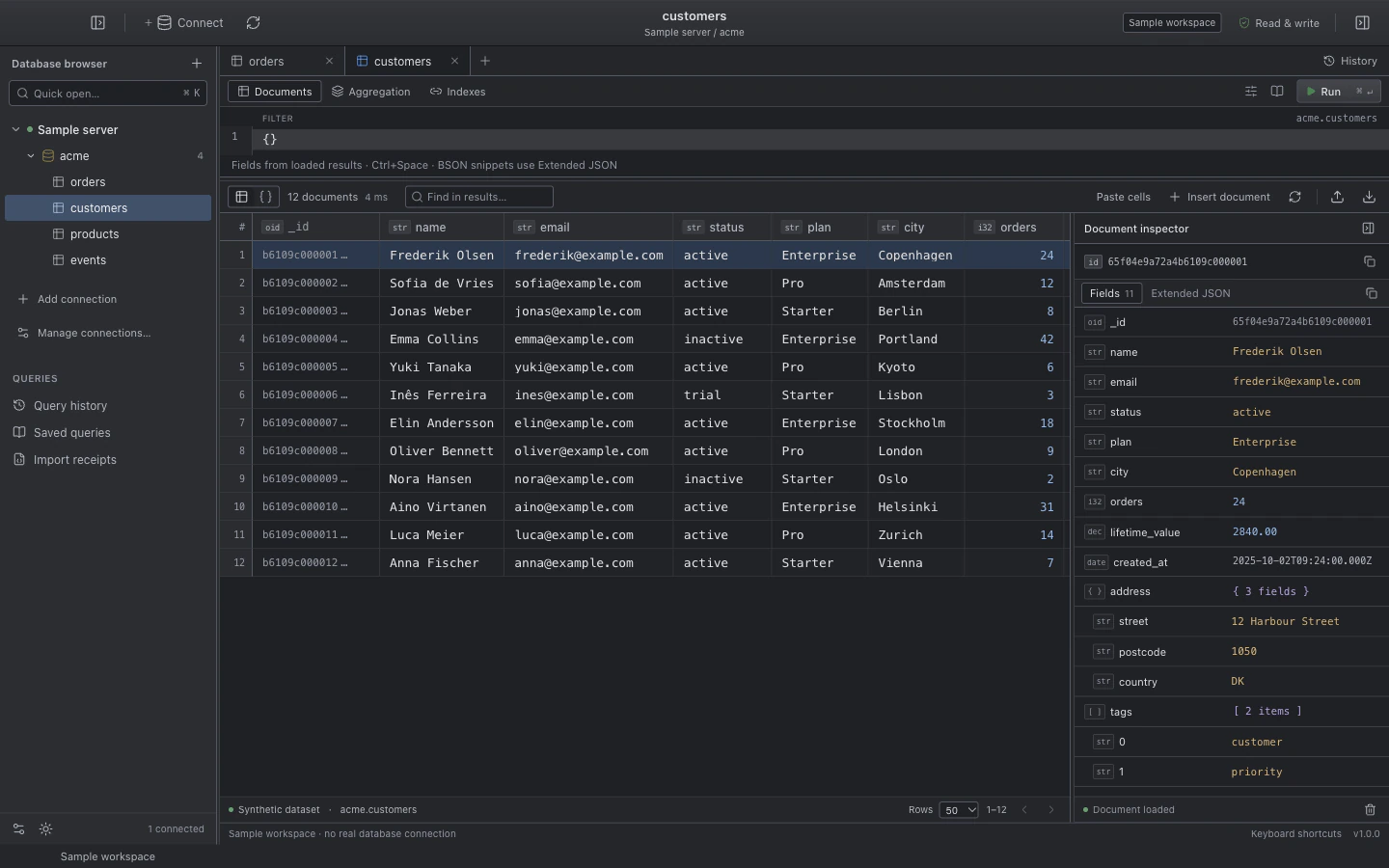
Open a collection, run a JSON filter and inspect a document. When you need to make a change, review it before you write.
No sign-up required to download. Free for personal and noncommercial projects. 30-day work trial, no card.
Watch a sample query in 30 seconds
Follow along in the built-in sample workspace. No MongoDB connection is needed.
Read the transcript
Only three orders came back. Where did the rest go?
In KeplerGrid, open the sample orders. Set the limit to three and run the pipeline.
Now click the stage. Input shows what arrived. Output shows what the stage returned.
There’s the answer. This stage kept three orders. In a longer pipeline, check the next stage the same way.
Try the built-in sample, or bring a query from your own development database.
Debug a MongoDB aggregation pipeline stage by stage
Try the workflow first
Under Sample server, open customers and run { "status": "active" }. Switch between the document grid and Extended JSON to inspect the result.
Move one connection
Open File → New Connection and paste your MongoDB URI. For your first query, leave Read only on and use a development database. Recreate any SSH settings in the new connection. Connection steps
Robo 3T was built around the shell
Robo 3T’s upstream project says development ended with version 1.4.4. KeplerGrid’s query bar takes JSON filters, with separate controls for sort and projection. Try one of your everyday collection queries first.
Review changes by document
Stage edits locally, compare the values and commit the changes you choose. See the review workflow
Start with one familiar query
See the available Mac, Windows and Linux installers on the download page. Also comparing Studio 3T?