Create a practice collection and index
Use a development server and an unused practice database. Before renaming an application collection, coordinate with anything that uses the old name. Check for a target collection before executing the rename.
const lab = db.getSiblingDB("keplergrid_rename");
lab.orders_legacy.insertMany([
  { _id: "ORD-101", status: "paid" },
  { _id: "ORD-102", status: "pending" }
]);
lab.orders_legacy.createIndex({ status: 1 }, { name: "status_1" });
Rename and inspect the result
Run the rename in mongosh. Passing false leaves an existing target collection in place and makes that rename fail.
const lab = db.getSiblingDB("keplergrid_rename");
lab.orders_legacy.renameCollection("orders_current", false);
lab.orders_current.find().sort({ _id: 1 }).toArray();
lab.orders_current.getIndexes().map(index => index.name);
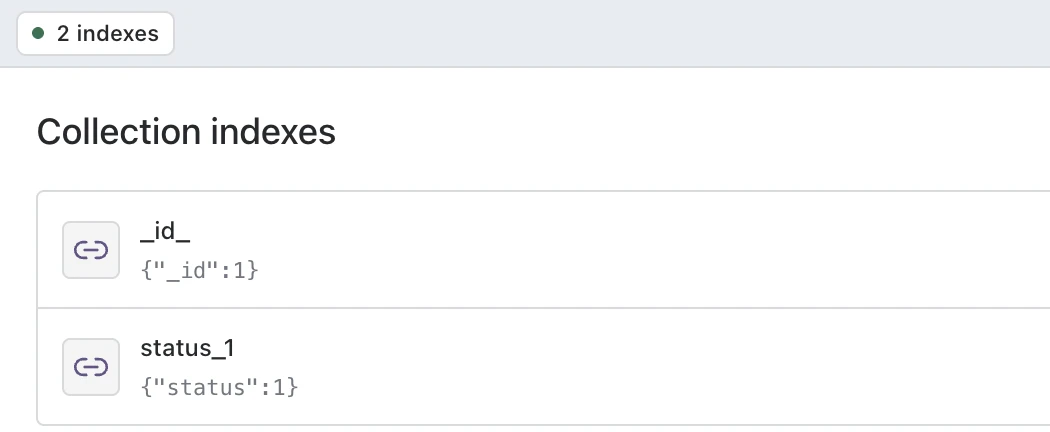
Refresh the database in KeplerGrid and open orders_current in a new tab. Verify the two orders in Documents and _id_ and status_1 in Indexes.
Inspect collection statistics · Copy documents between MongoDB servers · MongoDB renameCollection reference